Business process automation should remove repeatable friction

Business process automation works when the process is understood first. Learn what to automate, where projects fail and how to retain useful human control.
Business process automation should remove repeatable friction
What business process automation means
Choose automation targets by impact
A practical framework for selecting automation opportunities without encoding confusion or removing necessary judgement.
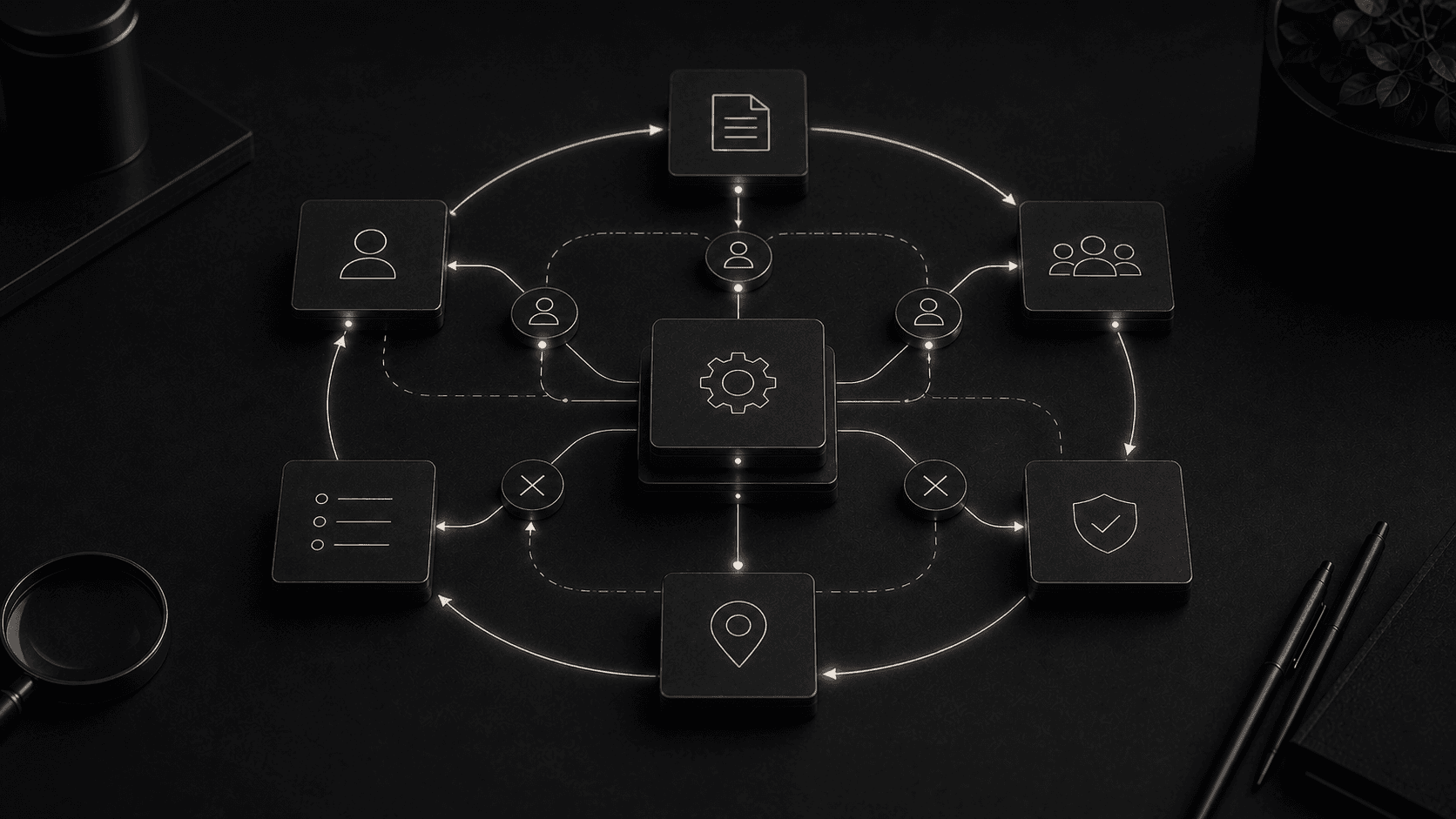
Automation layers assessed: trigger, rules, action and exception handling.
Outcome groups measured: time recovered, errors prevented and service improved.
“A practical framework for selecting automation opportunities without encoding confusion or removing necessary judgement.”Business Process Automation Guide field note
Business process automation uses software to complete predictable steps, move information and trigger actions without repeated manual handling. The best candidates are stable, frequent and governed by clear rules. Processes with disputed ownership, inconsistent inputs or important judgement need clarification before automation. The objective is not to remove every human touch. It is to reduce avoidable administration while keeping people responsible for exceptions, decisions and relationships where context matters.
In sales operations, automation can validate an enquiry, create one customer record, assign an owner and schedule the promised response. In delivery, a signed agreement can create a project, request required evidence and expose missing setup tasks. In finance, an approved milestone can prepare an invoice while unusual values pause for review. The useful boundary is a defined operational outcome, not one isolated click.
AI can support classification, extraction and drafting where inputs vary, but its confidence must influence the route. Low-risk, high-confidence cases may proceed; uncertain or consequential cases should arrive in a review queue with source evidence. The workflow owns the decision policy. A model is one component inside it, not an unaccountable replacement for process design.
Choose examples close to the organisation's repeated work and available data. A demonstration built around an artificial task proves little. A controlled release that clears a real queue, preserves an audit trail and improves a measured service outcome establishes a foundation the next automation can reuse.
Business process automation uses software to complete defined operational steps with limited manual intervention. A trigger starts the work, rules determine what should happen, the system performs or coordinates an action and an audit trail records the result. Examples include validating an order, creating a project, routing an enquiry, issuing a reminder or assembling a scheduled report.
The purpose is not to remove every person from a process. It is to stop people spending attention on deterministic transfers and checks. Staff should handle judgement, negotiation and unusual circumstances; software should carry context, apply stable rules and make pending work visible. Process audits before automation prevent a team from reproducing unnecessary steps at machine speed.
The easiest task to automate is not always the most valuable. Start with volume, handling time, error cost, delay and customer impact. A five-minute task performed once a month is rarely a priority. A two-minute transfer repeated hundreds of times, or a validation that regularly blocks fulfilment, may justify attention even if the individual action looks trivial.
The process must also be stable enough to describe. If teams disagree about the correct route, automation will encode the disagreement. Observe real cases, including rework and exceptions, before drawing the intended flow. Rank opportunities by expected benefit and delivery risk. The best first candidate has a clear owner, consistent inputs, a reversible action and enough repetition to produce evidence within weeks rather than years.
A clean flowchart often hides the work that makes a process difficult. Record where data arrives, who verifies it, which system owns it and how staff resolve incomplete or conflicting information. Separate business rules from habits that exist only because the current tools are limited. This map should show waiting, re-entry and approval loops, not only the happy path.
Exceptions need categories. A missing postcode is different from a credit decision; one may be corrected automatically while the other needs authority and context. Define what the system can retry, what it should quarantine and who receives an alert. A queue with enough evidence to act is better than a generic failure email. Exception design determines whether automation reduces work or merely moves it into a less visible place.
Human-in-the-loop design creates deliberate review points around consequential, ambiguous or low-confidence actions. The system prepares the case, presents the relevant evidence and records the decision. It should not force a reviewer to reconstruct context from several tools. The approval is part of the workflow, not an interruption outside it.
Thresholds should reflect risk. A routine renewal within agreed parameters might proceed automatically, while an unusual discount or conflicting customer record pauses for review. Permissions, escalation and time limits need to be explicit. The reviewer must be able to reject, correct and explain. This preserves accountability and produces labelled examples that can improve future rules without pretending every decision can be made safely by a model.
Most automation crosses system boundaries. An enquiry becomes a CRM record, a signed agreement creates delivery work and a completed job changes billing status. Each hand-off needs identity matching, validation, authentication and a clear source of truth. Bespoke data integration is what makes the sequence dependable when products use different structures and availability patterns.
Assume that networks fail, credentials expire and APIs change. Use idempotent actions so a retry does not create duplicate invoices or contacts. Log the request, response and business outcome with enough detail to diagnose a fault without exposing sensitive data. Monitoring should distinguish a transient delay from a record that requires correction. Invisible failure is more dangerous than visible manual work because teams believe a task has completed when it has not.
Record the baseline before the workflow changes: cases per week, active handling time, elapsed time, correction rate and the number of hand-offs. After release, measure the same definitions. Time saved is only valuable if it becomes usable capacity or improves service. A faster process that creates more exceptions or weakens oversight is not an improvement.
Review the distribution, not only the average. The normal case may accelerate while a minority becomes stuck for days. Monitor exception volume, queue age, retry rates and manual overrides. Ask users whether the automation removed work or introduced checking behaviour. These signals guide the next iteration and expose rules that no longer reflect the operation. Automation should be maintained as an operational product, not abandoned after a successful demonstration.
A first release should automate a narrow, valuable path end to end. Run it in parallel or approval mode until the outputs are trustworthy. Give the process owner a dashboard showing completed work, pending reviews and failures. Document the rule set and recovery procedure. These controls make adoption easier because staff can see what the system did and intervene without engineering support.
Expand only after the baseline moves in the intended direction. Additional rules, AI classification and adjacent workflows can then use a proven foundation. Operational systems development provides the surrounding data model, permissions and interface that isolated automation scripts often lack. The objective is not the largest automation programme. It is a dependable capability that keeps reducing effort as the business changes.
Document the trigger, rule owner, connected accounts and recovery steps before wider rollout. Train users on what the automation will not do as well as what it will. Review permissions and outputs after organisational change. These small operating practices prevent a successful pilot becoming a critical but invisible dependency nobody feels responsible for maintaining.
Treat model prompts, decision tables and routing thresholds as controlled configuration. Version changes, test them against known cases and retain the result needed for an audit. When an outcome affects money, access or a customer commitment, the organisation must be able to explain which rule acted and who approved it. This discipline keeps automation adaptable without making it arbitrary.
Calculate running cost as well as saved handling time. API calls, model usage, vendor licences, monitoring and support all grow with volume. Compare them with the baseline and the cost of exceptions. An automation that looked efficient in a pilot can become poor value if each additional case requires expensive inference or frequent manual correction.
Planning a website or digital system?
Versatech brings senior strategy, design and engineering into one delivery team. The first conversation identifies the useful next step before scope is fixed.
START A PROJECTSEE SERVICESStart with a focused 30-minute discovery call and leave with a clearer route forward.