Client portal software must fit the work around it

Compare client portal software with a bespoke build across workflows, permissions, integrations, adoption, ownership and the cost of long-term constraints.
Client portal software must fit the work around it
Portal adoption starts with orientation, not options
Custom portals require the same design investment as public sites
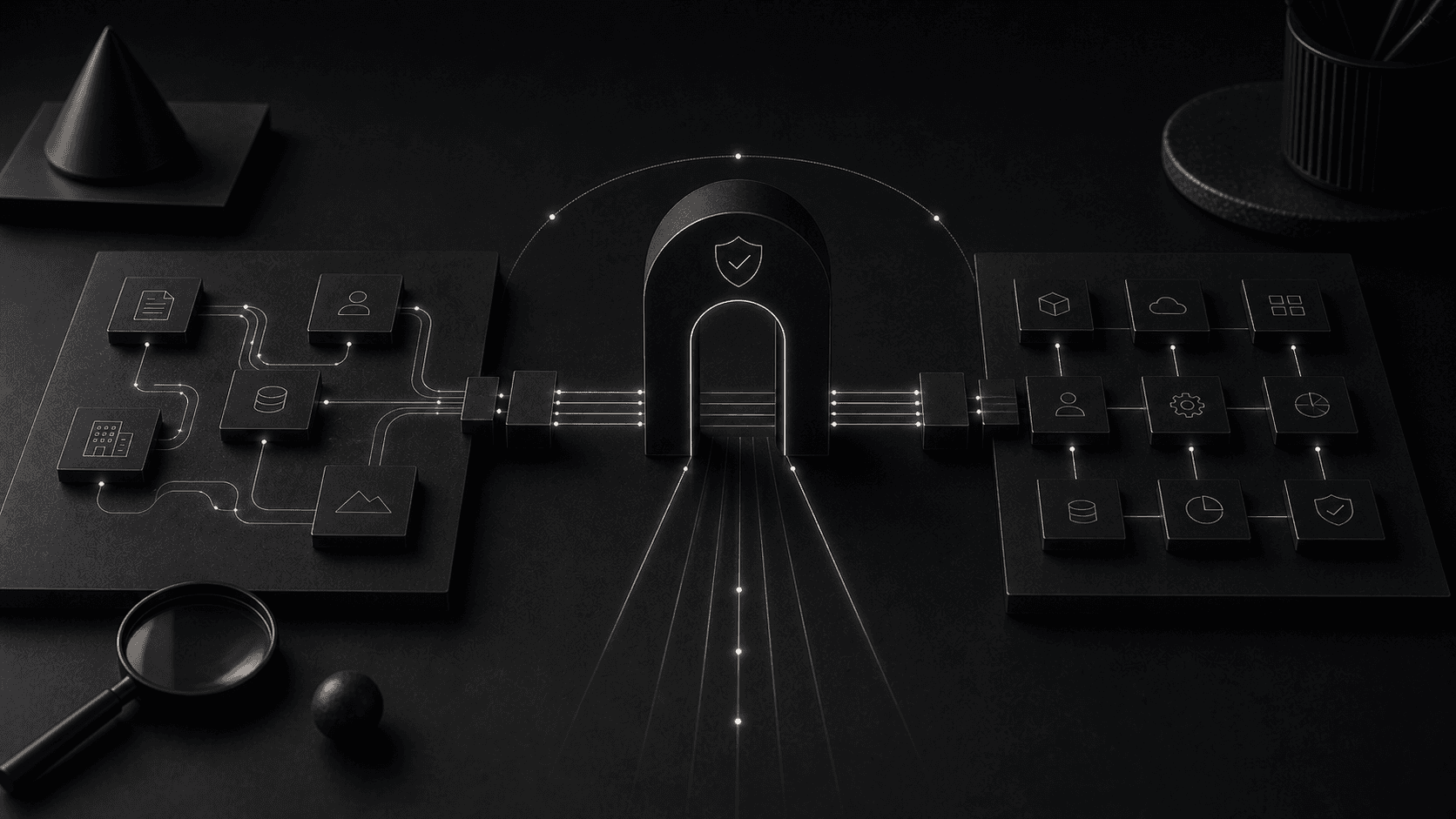
A build-versus-buy framework for client portals based on workflow fit, adoption and long-term operating cost.
Portal responsibilities connected: client tasks, team workflow, documents and account status.
Product qualities reviewed: orientation, workflow fit, permissions, integration and ownership.
“A build-versus-buy framework for client portals based on workflow fit, adoption and long-term operating cost.”Client Portal Software: Build vs Buy field note
Client portal software succeeds when it makes a recurring exchange easier for customers and the team serving them. Buying an established platform is sensible when requirements are common and its workflow fits without extensive workaround. A bespoke portal becomes justified when permissions, data, integrations or service processes are distinctive enough that generic software adds friction. The decision should compare total operating fit, adoption and ownership rather than feature lists alone.
A portal needs a narrower promise than a website. Define the recurring tasks it owns, the users who perform them and the systems that hold the required information. A client may need to submit evidence and follow progress; a member may renew and manage colleagues; an internal team may review exceptions. Combining those audiences without a permission and navigation model produces a crowded dashboard rather than one useful product.
Map the first session and the returning session separately. A new user needs orientation, identity verification and a clear next task. A returning user needs current status, pending actions and recent change. Empty states, deadlines and notifications are part of the experience because users arrive in different conditions, not at one designed moment.
Agree what remains outside the portal. Complex advice, disputes and unusual changes may need a person. Give those cases a visible route and carry the existing context into support. Self-service builds trust when it makes common work easier without trapping people inside a workflow that cannot represent their situation.
The most common mistake in portal design is presenting users with too many options before they understand the system's purpose. A portal dashboard that shows every available feature from the first screen overwhelms users and delays adoption.
Effective portal systems orient the user immediately. They clarify what the system is for, what state the user's account or project is in, and what the most important next action is. Less common actions are surfaced progressively as the user becomes more familiar with the system.
This progressive disclosure approach reduces the training burden and makes the portal feel intuitive even for users who interact with it infrequently.
Companies often invest significant resources in the design of their public website and then accept a lower standard for their client portal or internal system. This creates a jarring experience for users who move between the polished public site and a utilitarian portal interface.
A custom portal should receive the same design attention as the public website. The typography, spacing, visual hierarchy, and interaction patterns should meet the same standard. The portal represents the company's commitment to quality in every interaction, not just the marketing ones.
A portal that exists in isolation from the company's other systems creates more work rather than less. The most valuable portal systems integrate with the CRM, the project management platform, the billing system, and any other tools that the team uses to manage client relationships.
Integration is not just a technical concern. It is a design concern. The portal should surface data from other systems in context rather than requiring users to switch between applications to get a complete picture of their account or project status.
Client portal software succeeds when it makes a recurring relationship easier. Customers should be able to understand status, provide information, retrieve documents and complete the next task without decoding the provider's internal structure. Staff should receive complete, structured inputs rather than a second inbox that creates more administration.
Start with the moments that generate avoidable contact: asking for progress, resending files, clarifying requirements and confirming receipt. A portal should resolve those needs in context. It should not expose every internal field simply because the data exists. The public model must be deliberate, stable and written in language the client recognises.
Measure success through completion, time to outcome, support demand and user confidence. Login counts alone say little; users may return because the journey is unclear. A useful portal produces fewer status chases, cleaner submissions and a visible route through the service.
Buying is sensible when the relationship follows a common pattern such as document exchange, appointment booking or standard support tickets. Established products offer authentication, notifications and administration quickly. Test the full workflow and data export before committing, because a polished client view can still impose rigid internal handling.
A custom portal is justified when the client journey reflects distinctive rules, data or collaboration. It can combine account information, project state and actions from several operational systems in one coherent view. Bespoke software vs off-the-shelf provides a wider decision framework for fit, control and total ownership.
A hybrid approach is often strongest. A proven identity provider, payment service or document store can sit behind a purpose-built experience. Custom does not mean rebuilding commodity security functions. It means owning the workflow and interface where they affect service quality while integrating specialist products through supported boundaries.
Portal permissions are more detailed than a simple client-versus-staff split. Organisations may need account owners, delegates, advisers and read-only participants. Define what each role can see and do at record level, then test changes in employment, account ownership and project status. Default access should be the minimum required for the task.
Sensitive actions need clear confirmation, audit history and recovery. Users should know when information is shared, submitted or no longer editable. Administrators need tools to revoke access and investigate an event without touching the database directly. Security controls become usable when they are designed into the interface rather than added as warnings at the end.
Collect only what the service needs and state how it will be used. Retention and deletion affect the data model as well as policy copy. Data integration design must prevent a deleted or corrected record from reappearing through an unmanaged synchronisation path.
Pilot the portal with a small group completing real work. Observe orientation, task completion, error recovery and the language users misunderstand. Support questions are product evidence. Resolve repeated confusion in the interface or process instead of compensating with a longer help document.
Plan migration, invitation and fallback routes before release. A user locked out during a deadline needs a defined recovery path. Staff need to know which channel owns new submissions and how portal activity appears in their daily tools. A portal that sits beside the operation will not stay current.
Assign a product owner after launch and review completion, exceptions and service outcomes. CRM and client portal development should include the integration and operating model required to keep the experience useful. Adoption compounds when each release removes a real point of effort rather than adding another feature to the menu.
Review accessibility with keyboard, screen reader and magnification use across the actual tasks. Test session expiry, slow connections and interrupted submission. A portal is often used under deadline or from an unfamiliar device, so recovery and clarity matter as much as the ideal desktop flow shown during project approval.
Prepare adoption as an operational change. Tell users which channel the portal replaces, train staff not to maintain a parallel process and phase invitations where support can respond. Publish concise guidance around the first important task, then remove it when the interface no longer needs explanation. Adoption improves when behaviour, ownership and product design change together.
Measure repeat task success by role and device. A high overall completion rate can hide delegates who cannot access a record or occasional users who fail renewal. Review abandonment, support contact and exception paths together. Product decisions become clearer when the team can distinguish missing capability from a permission defect or an unclear instruction.
Planning a website or digital system?
Versatech brings senior strategy, design and engineering into one delivery team. The first conversation identifies the useful next step before scope is fixed.
START A PROJECTSEE SERVICESStart with a focused 30-minute discovery call and leave with a clearer route forward.